Restore and bring old family photos to life
Remove scratches, bring back color, and watch your grandparents blink and turn their heads again — right from your phone.
Sign up and get 50 credits — your first restoration is on us, full size and without a watermark.
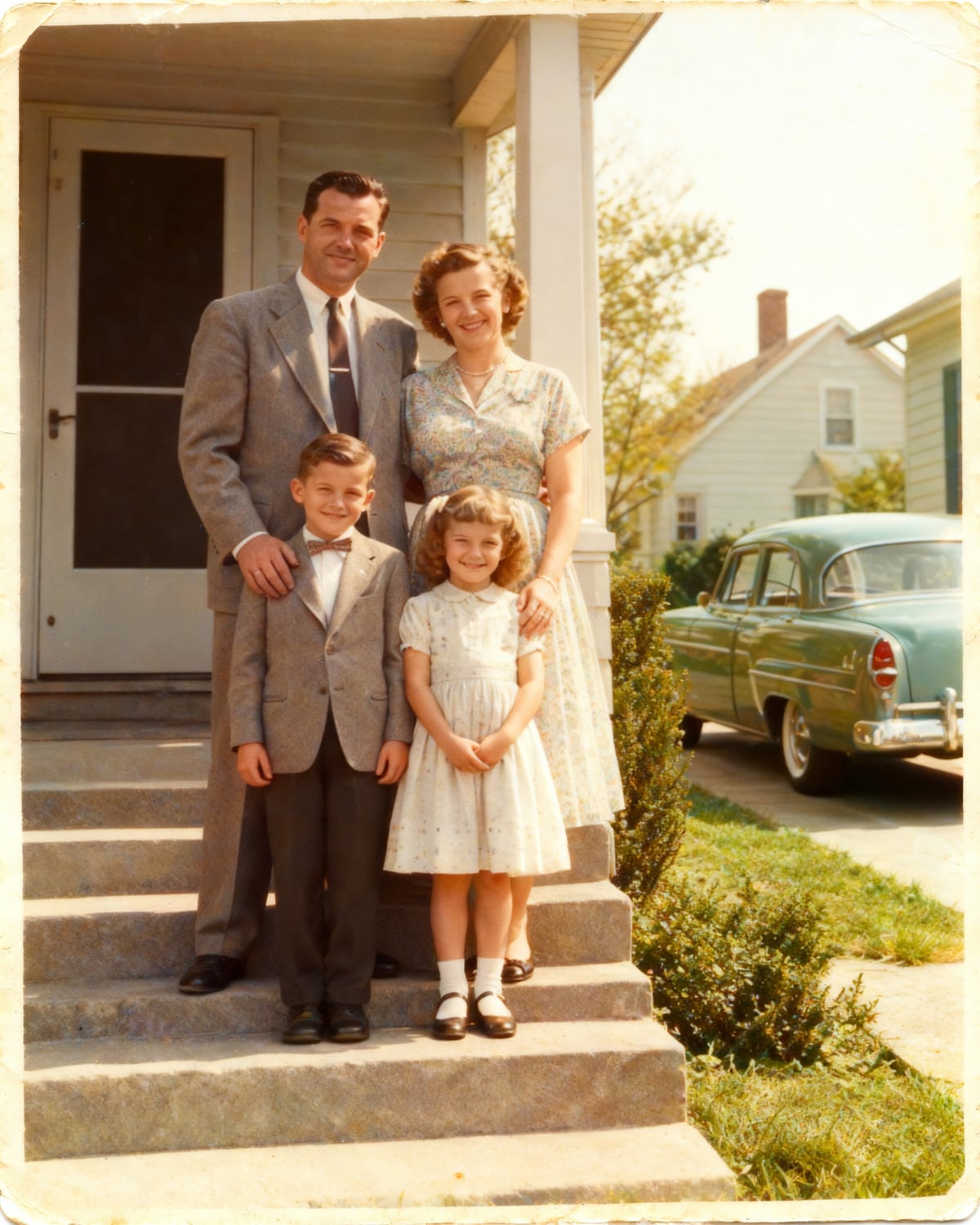
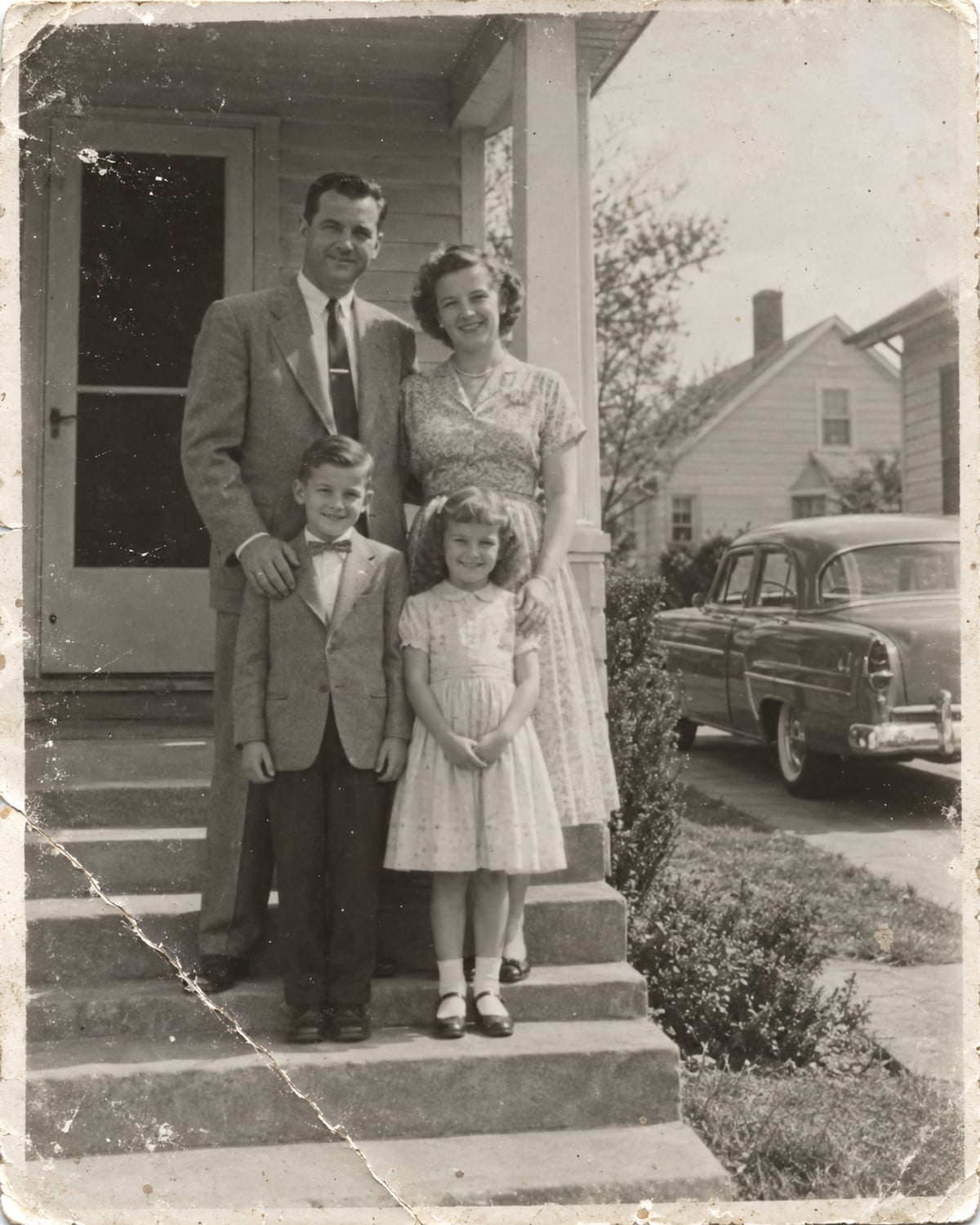
What you can do
 RestoreScratches, stains and creases disappear, sharpness comes backOpen →
 ColorizeA black-and-white photo usually comes out in color. Colors are a best guessOpen →
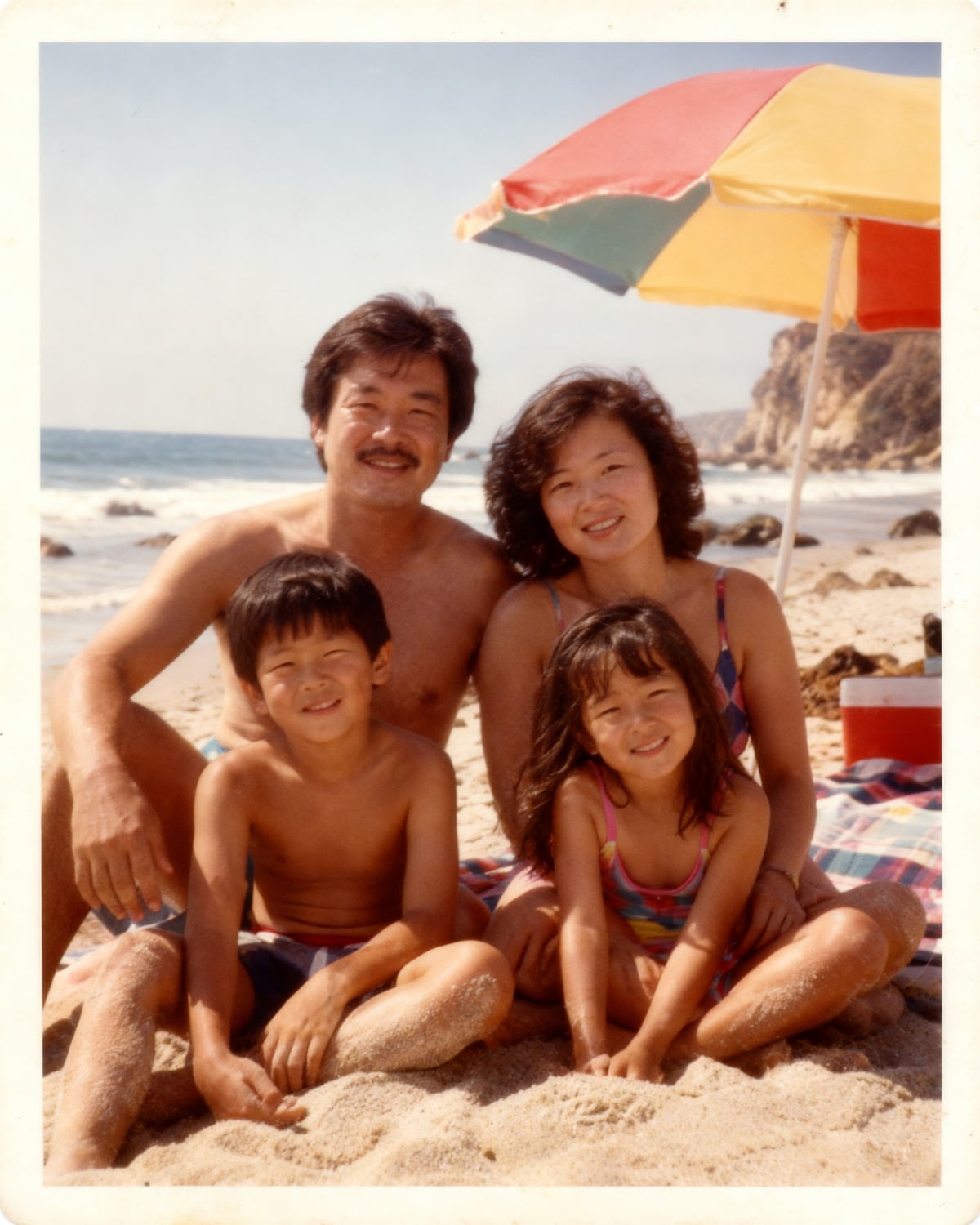
- Bring to lifeA 5-second clip: people blink and slightly turn their headsOpen →
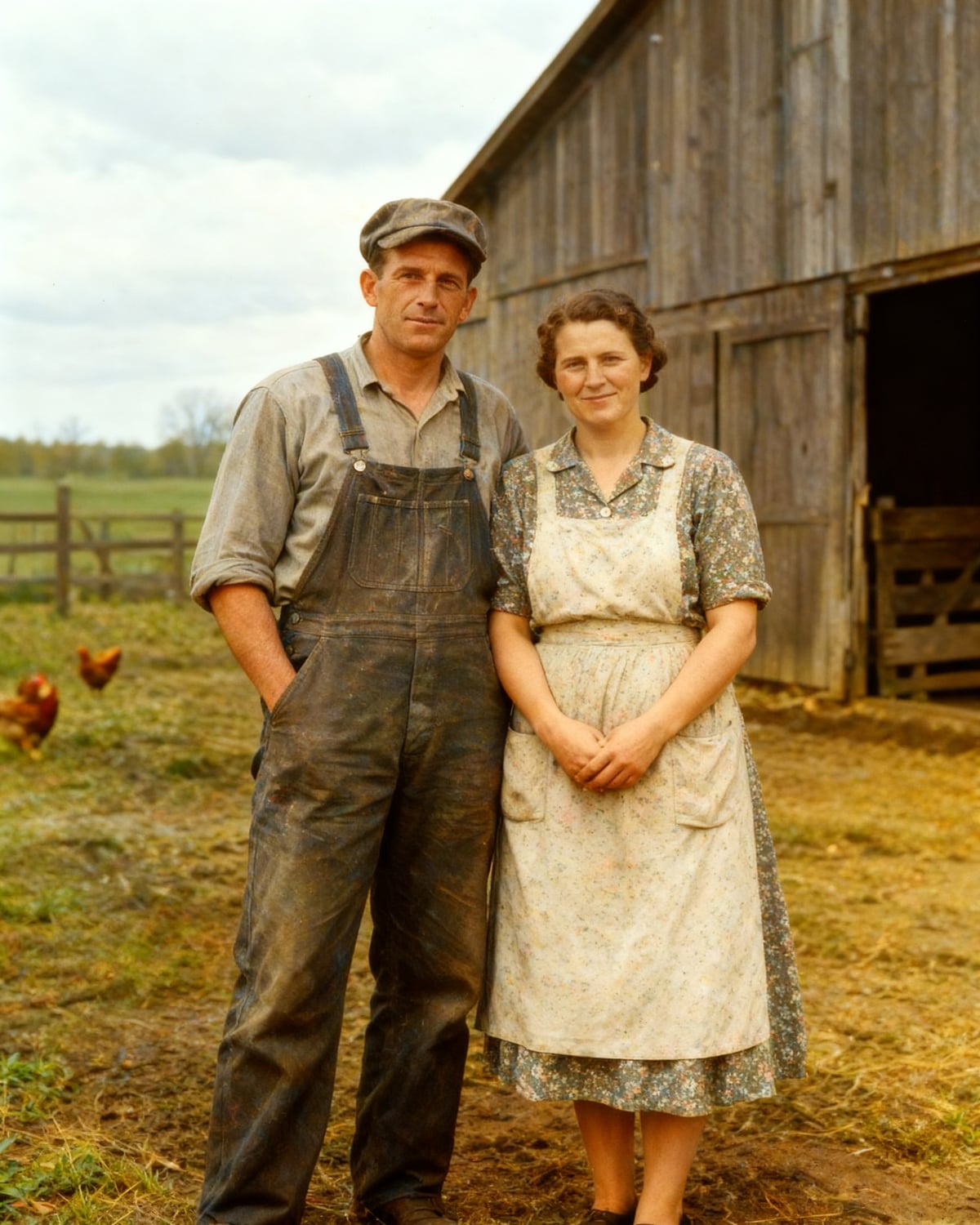
 EnhanceA small or blurry picture becomes larger and sharperOpen →
 For creatorsYouTube thumbnails from your own frameA video cover with a bold headline in the style you need — no designer. A short video guide, examples and the studio are on the thumbnails page.Make a thumbnail →
Why OneKlick
- No subscription — buy credits only when you need them
- Your first restoration is free — full size, no watermark
- Credits back if something fails
- Compare with your original before you download
How it works
- 1Upload a photo — or a picture of it taken with your phone
- 2OneKlick removes scratches and stains and brings back sharpness
- 3Compare with the original and download
Questions
Is my first restoration really free?
Yes. When you sign up we add 50 credits to your account, and one restoration costs 30 credits. You get the result in full size, without a watermark.
Will the faces stay the same?
OneKlick keeps the features of the people in the photo. Where the picture is badly damaged — a torn corner or a stain right over a face — the missing parts are filled in by a best guess, so always compare with the original.
Can it add color to a black-and-white photo?
Yes — black-and-white pictures usually come out in color as part of the restoration, nothing extra to press. Colors are a best guess and may differ from the real ones.
What does “bring to life” mean?
From a restored portrait OneKlick makes a 5-second clip: people blink and slightly turn their heads. Facial expressions don't change.
Also on OneKlick: YouTube thumbnails, short videos and free PDF tools. All tools →